
Ready to turn thumbs into taps? In this guide to social media post design, discover 7 scroll-stopping ideas that elevate content design and sharpen your brand aesthetics. From smart Instagram templates and quick Canva tips to effortless shooting setups (hello, ring light + phone tripod), you’ll learn how to style, design, and post with confidence. We’ll also share pro tools—a trusty iPad stylus, a color swatch book for palettes, and a chic desk photo backdrop—to polish every pixel. Save this for your next batch-creation day.
Nail Your Brand Aesthetics: Color-Forward Social Media Post Design That Stands Out
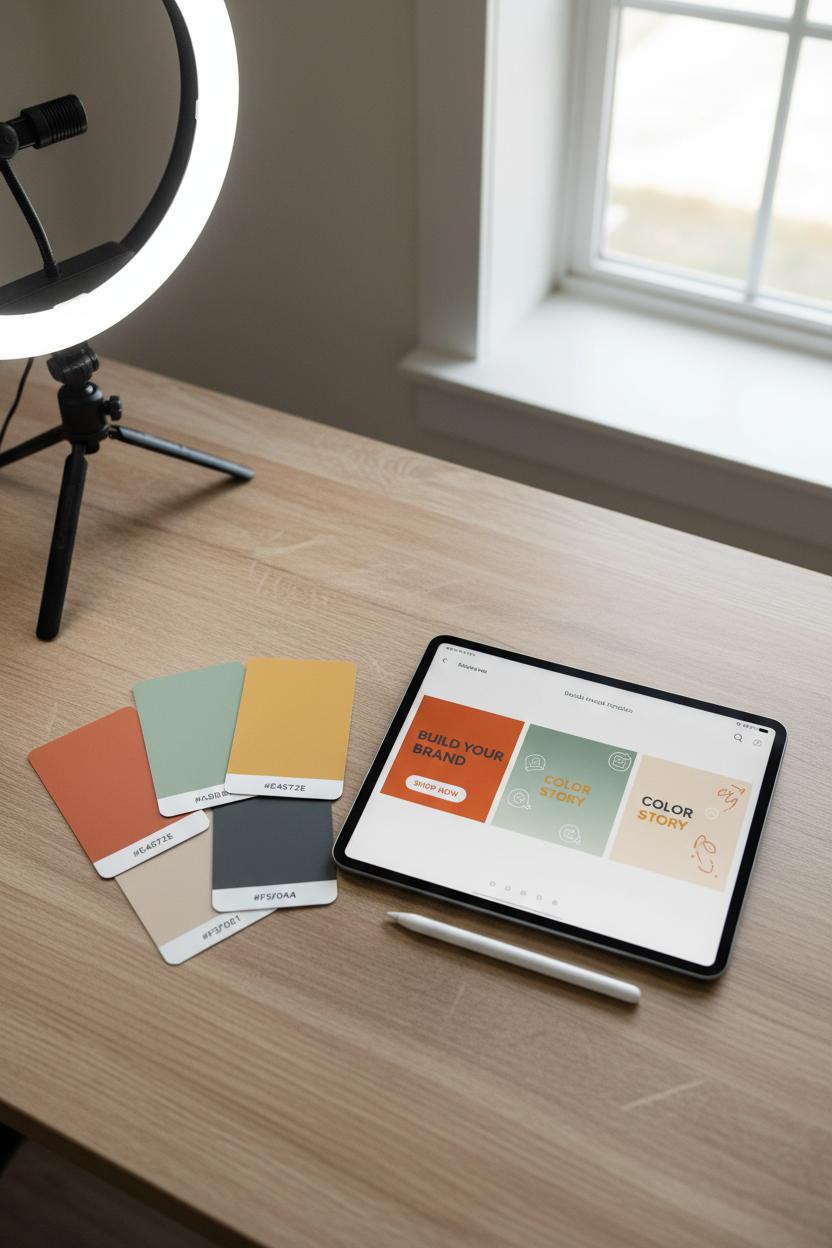
Color is the fastest way to make strangers recognize you in the scroll, so let your palette do the heavy lifting. Start by building a signature color story that feels like your brand in a single glance—think three to five shades: one hero color, two supporting hues, and a pair of grounding neutrals. Pull inspiration from your product packaging, your favorite outfit, or even the throw pillows in your office; then translate those vibes into precise hex codes with a color swatch book so your social media post design stays consistent across platforms. If you’re shooting your own content, keep your color truthful: set up near a window, add a ring light for even tones, and lay out a desk photo backdrop to avoid weird color casts from busy surfaces. A phone tripod helps keep shots crisp (motion blur dulls color), and locking white balance on your camera maintains the same warmth from post to post.
Once you have your palette, pour it into your tools. A few quick Canva tips: save your shades in Brand Kit, sample colors from photos with the eyedropper, and use the Styles panel to recolor Instagram templates in a tap. Try color-forward layouts—bold blocks, gradient overlays, or subtle duotone treatments—to instantly unify a messy feed. For content design that reads at a glance, assign jobs to your colors: hero color for headlines and call-to-action buttons, supportive hues for subheads and icons, neutrals for breathing room. Keep type legible by checking contrast; a bright accent sings when it sits next to a calm neutral. If you sketch overlays or underline key phrases, an iPad stylus makes hand-drawn squiggles and arrows feel custom while still staying on-brand.
Finally, think in series. Choose one palette per campaign and echo it through carousels, Reels covers, and story stickers so your brand aesthetics feel cohesive wherever people meet you. Test a few posts on different phones to make sure saturation and contrast hold up, and nudge as needed. With a steady palette, intentional lighting, and color-smart templates, your feed will look curated, elevated, and unmistakably yours—before anyone reads a single word.
Template Magic: Instagram Templates That Streamline Content Design and Consistency
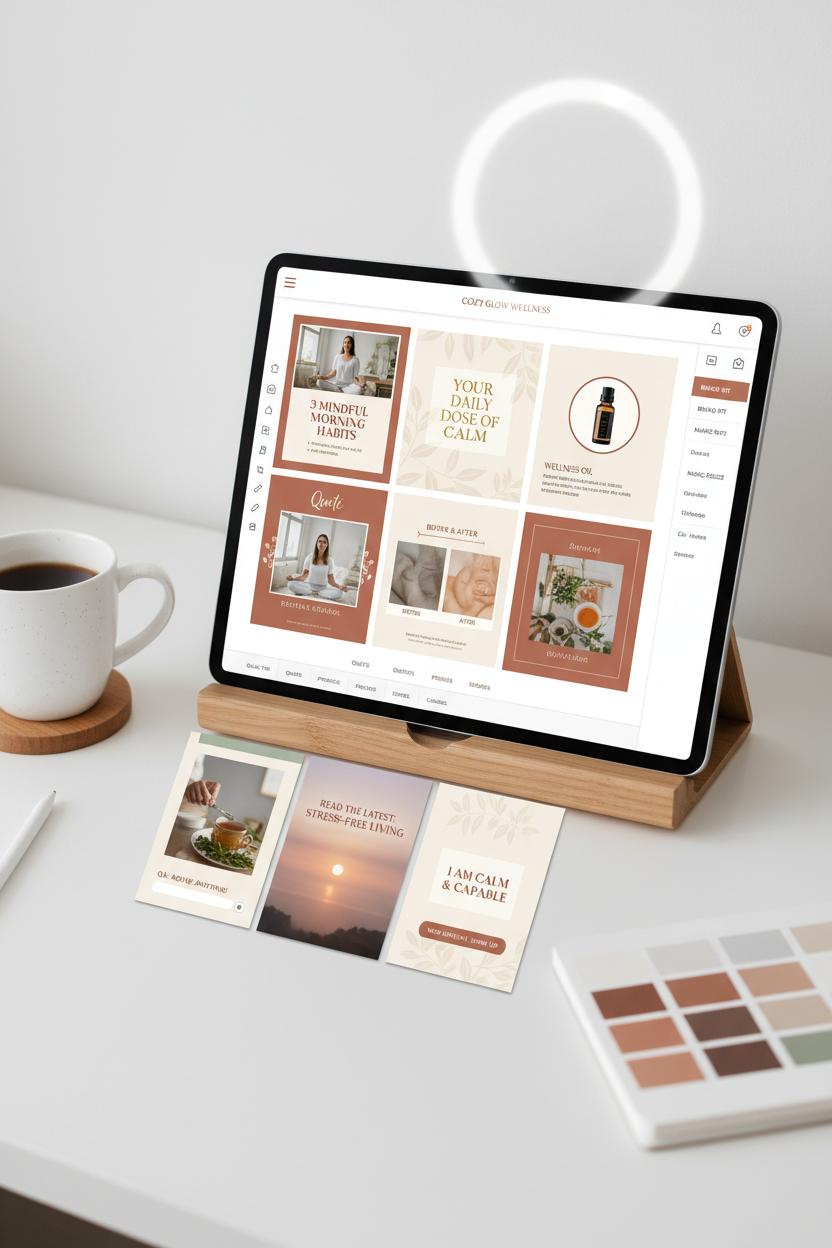
If you’ve ever wished your feed could “dress itself” in the morning, Instagram templates are the capsule wardrobe of social media post design. Think of them as a cozy, curated set of layouts you return to again and again—carousel slides, Reels covers, Stories prompts—that echo your brand aesthetics without reinventing the wheel every time. Build a small suite of 6–10 go-to designs tied to your content pillars: one for quick tips, one for quotes, one for product features, one for before-and-afters. Keep consistent margins, a predictable headline hierarchy, and repeatable accents so your audience recognizes your style at a glance. The magic is in the mix-and-match: swap photos and captions, but keep the structure. Suddenly content design becomes calmer, faster, and wonderfully on-brand.
A few Canva tips make this even smoother. Start with your Brand Kit—upload your color palette, set your H1/H2/H3 fonts, add logos and signature shapes—then save your favorite layouts as reusable Instagram templates. Use frames and mockups for images so you can drop new visuals in with one click, and lock background elements to keep spacing steady. Magic Resize helps you turn a square post into a Story in seconds, and Page Titles keep your template library tidy for batching. For tactile tweaks, editing on an iPad with an iPad stylus lets you nudge elements into perfect alignment. If you shoot your own photos, a ring light and phone tripod are quiet heroes for crisp, repeatable lighting, while a desk photo backdrop creates clean, on-brand flat lays every time. Matching product hues to your template palette? A color swatch book can keep tones consistent across seasons and shoots.
When it’s time to produce, pour a coffee, open your template folder, and batch a month in a single sitting. Drop in fresh images, adjust copy lengths to your established text boxes, and lean on your saved styles for effortless cohesion. Export, schedule, done. The result is a feed that flows—polished without feeling stiff, creative without sacrificing clarity. With a thoughtful set of templates, content design stops being a scramble and starts feeling like a ritual, letting your voice shine while your visuals stay seamlessly consistent.
Light It Right: Upgrade Social Media Post Design with a Ring Light and Desk Photo Backdrop
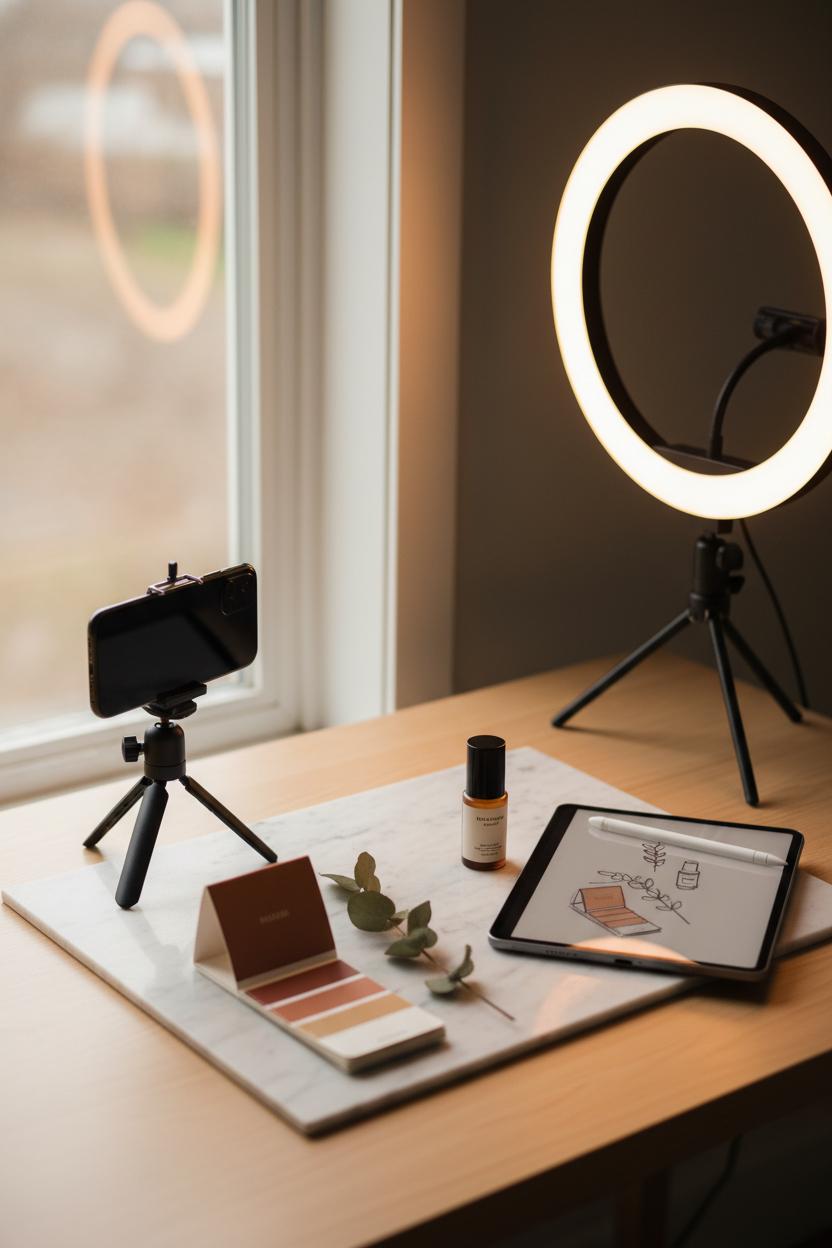
Great lighting is the shortcut to luxe-looking content, and a simple ring light plus a desk photo backdrop can instantly elevate your social media post design from “fine” to “wow.” Think of it as setting the stage for your brand aesthetics: a clean surface that tells your story, and soft, even light that flatters everything you place on it. Choose a desk photo backdrop that echoes your palette—marble for modern, linen for cozy, warm wood for organic—and pair it with a ring light that has adjustable warmth so your whites don’t go icy and your skin tones stay true. Mount your phone on a steady phone tripod to keep angles consistent and your hands free, and keep a color swatch book nearby to double-check that props, packaging, and backgrounds harmonize with your feed.
Set up by placing your backdrop near a window for gentle fill, then use the ring light at a 45-degree angle to avoid glare on glossy products. Shoot a mix of flat-lays and tight detail shots, leaving intentional negative space for text overlays later. This makes repurposing a breeze: one beautifully lit scene can become a carousel, a Reel cover, and a Pin without losing cohesion. When you move into Canva, pull in those images and lean on a few Canva tips: use the color picker to grab tones directly from your photo, add a subtle drop shadow to make products pop, and keep text hierarchy clear with one headline font and one body font. Save your favorite layouts as Instagram templates so your content design stays consistent week after week—your audience will start to recognize your signature look at a glance.
For smooth workflow, sketch compositions with an iPad stylus before you shoot, then batch-capture multiple angles in one go. Aim for consistency: same light temperature, same backdrop family, same editing preset. If color accuracy matters, snap a quick reference shot with your color swatch book to guide edits later. Small details—like dimming the ring light to reduce harsh reflections or using the phone tripod for top-down precision—make a big difference. With thoughtful lighting and a dependable backdrop, your visuals feel intentional, polished, and unmistakably on-brand, turning everyday posts into scroll-stopping moments.
Motion That Hooks: Shoot Reels with a Phone Tripod for Scroll-Stopping Flow
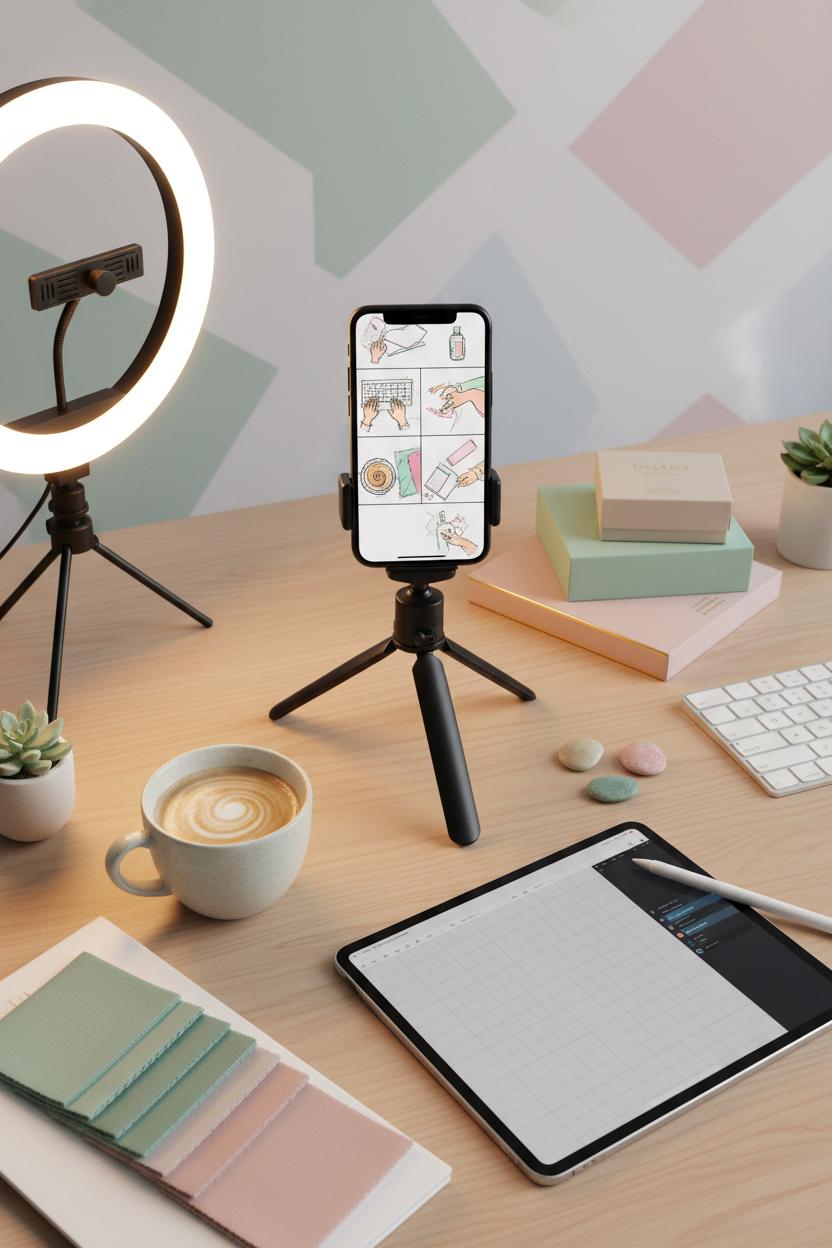
There’s a reason the reels that make you stop and stare feel so effortless: they’re stable, rhythmic, and composed like mini stories. A simple phone tripod is your secret to that scroll-stopping flow. Set your scene with a clean surface and a desk photo backdrop, pop your phone into vertical, and let the tripod hold steady while you move through the frame. Think hands gliding across a keyboard, a coffee swirl, a swatch flip, or a product “pass” into camera—small motions look luxe when they’re smooth. If you have a ring light, place it at a soft angle for that creamy glow and let your brand aesthetics do the rest: match props to your palette using a color swatch book, and keep your frame consistent from clip to clip. I love sketching a micro storyboard with an iPad stylus—five beats, five shots—so all I have to do is hit record, step in, and repeat the motion until it feels fluid.
When it’s time to edit, let content design guide the flow. Cut on action, layer a breezy hook, and keep text short so your visuals breathe. This is where Instagram templates shine: drop your clips into a template that already understands social media post design—title placement, safe margins, and dynamic captions—and you’ll get that polished, on-brand feel in minutes. A few Canva tips to try: duplicate your first frame for a satisfying loop, nudge text to land right as a hand hits the edge of the screen, and use on-brand overlays to echo your palette without crowding the shot. The tripod gives you consistency; you supply personality—think signature gestures, recognizable props, and a color story that repeats across posts. Keep your motion anchored, your camera still, and your edits snappy. The result is a reel that feels like a mini mood board in motion—calm, cohesive, and unmistakably you—proving that with a phone tripod and thoughtful content design, your everyday moments can become the kind of visuals viewers watch twice and save for later.
Palette Power: Use a Color Swatch Book to Elevate Brand Aesthetics and Visual Harmony
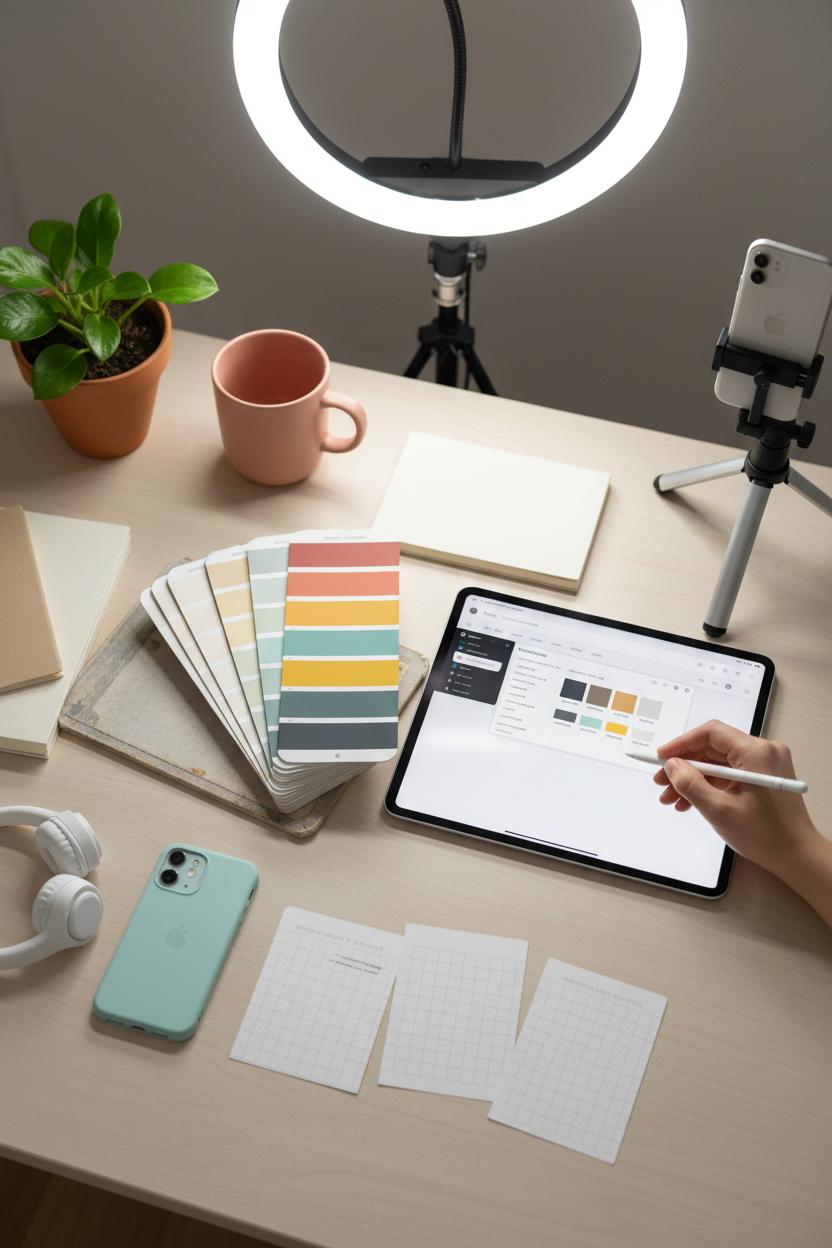
When your feed feels a little all over the place, a color swatch book is the easiest way to pull everything back into visual harmony. Fan one out on your desk like a painter’s palette, and start by choosing one “hero” hue that feels like your brand’s mood—maybe a soft clay pink, an ocean-glass teal, or a deep forest ink. Then build a supporting cast: two accent colors that spark joy and two grounding neutrals to keep things clean. Snap test photos of props against your chosen shades (a simple desk photo backdrop works wonders), and check them under consistent lighting with a ring light so tones stay true from Stories to Reels. This little ritual becomes the backbone of your social media post design, guiding everything from text overlays to product flats so your grid looks intentional instead of improvised.
Once your palette is locked, bring it into your workflow. Use your iPad stylus to sample exact hex codes from the swatches and save them as brand colors in Canva. From there, swap them into your favorite Instagram templates to create a cohesive carousel series, quote cards, and cover thumbnails that instantly read as “you.” A few quick Canva tips: set color styles in your Brand Kit, duplicate a winning layout for consistency, and adjust saturation slightly if a photo edge needs to blend more seamlessly with your backgrounds. For content design that sells, style a handful of recurring props that match your palette—think notebooks, mugs, foliage, or tech accessories—and batch shoot with a phone tripod so your angles stay consistent while you switch out items. You can even tuck the color swatch book into flat lays as a chic prop, reinforcing your brand aesthetics in-frame. The result is a feed that feels curated yet effortless, where every post hums in the same key—and that harmony is what makes people stop, save, and come back for more.
Copy + Layout: Blend Captions with Content Design for Click-Worthy Posts
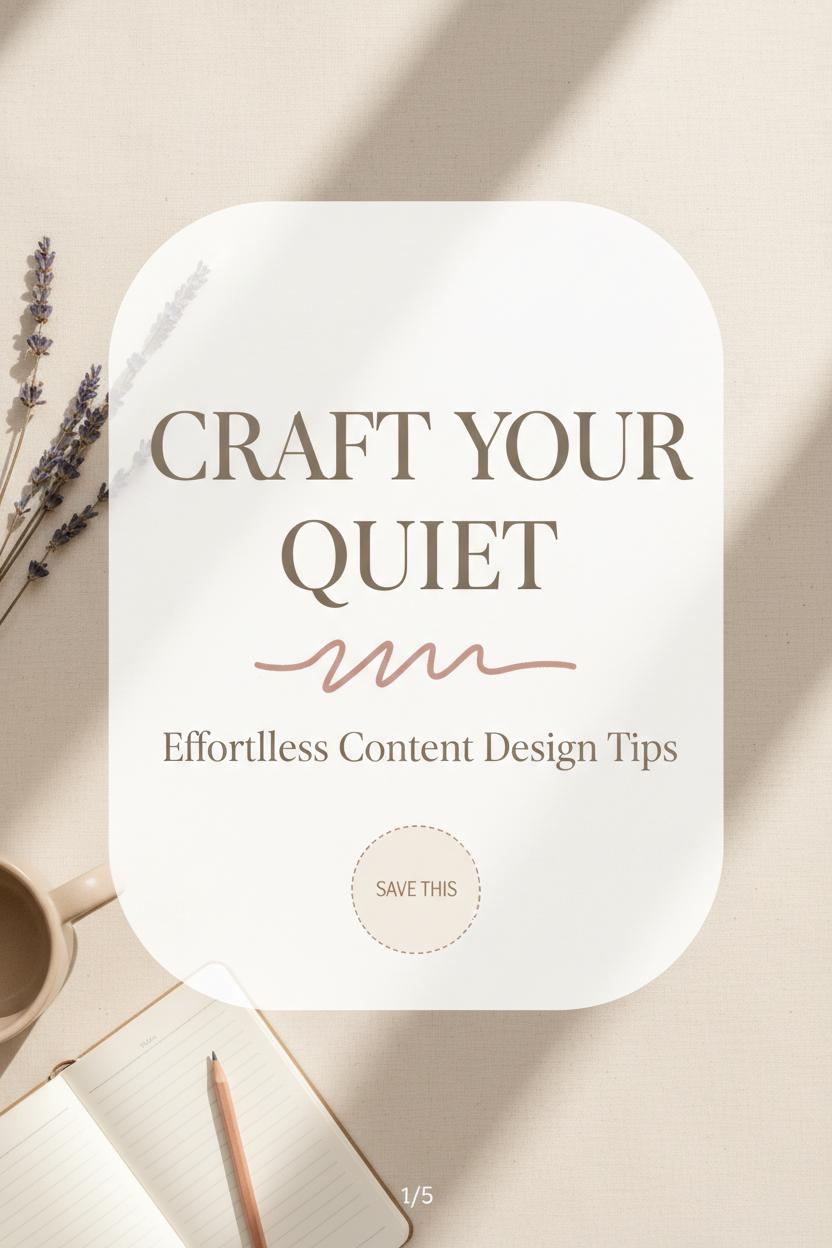
Let your caption do more than sit under the photo—invite it onto the canvas as a headline, a whisper in the margins, a callout that begs to be tapped. When you plan social media post design, think in layers: a short, punchy hook large enough to read at arm’s length, a supportive subhead that adds context, and a tiny CTA tile that nudges action—“save this,” “swipe for steps,” “tap for links.” This is content design as choreography. Keep lines short and scannable, emphasize power verbs, and let whitespace breathe around your message so it feels calm and clickable. If your brand aesthetics lean soft and airy, let creamy backgrounds, gentle shadows, and rounded shapes cradle your words; for bolder brands, try high-contrast blocks and crisp alignment to make copy pop. Capture on-brand textures once and reuse them: a linen desk photo backdrop, a tidy flat lay shot with a ring light and phone tripod, even a peek of your color swatch book for palette continuity. Your images become quiet storytellers, and the caption-turned-headline becomes the star.
For an easy workflow, start with Instagram templates and customize them to your voice. Here are a few friendly Canva tips as you blend copy and layout: set a type scale (think headline, subhead, microcopy) and stick to it, tweak letter spacing and line height for airy readability, and anchor important phrases along a simple grid so the eye flows naturally. Use soft gradient overlays to tame busy photos, place translucent shapes behind text for instant contrast, and add a hand-drawn underline or arrow with an iPad stylus for that “pinned it!” personality. Carousels are your best friend—turn each bullet from the caption into its own slide and keep a mini progress cue so people keep swiping. End with a recap card and a gentle CTA. Before posting, do a quick thumb test on your phone: can you read the hook without zooming? Does one idea sing per slide? Save your polished layouts as reusable assets so future posts come together in minutes, and your content design stays consistent, clickable, and unmistakably you.
Conclusion
That’s a wrap! With these 7 scroll-stopping ideas, your social media post design can feel as polished as a moodboard and as cozy as a coffee break. Mix smart Instagram templates, quick Canva tips, and intentional content design to keep your feed consistent while letting your brand aesthetics shine. Save this for your next batching session: pick a palette, plan your hooks, lean on templates, and refine with micro-animations and whitespace. Now brew something warm, cue your favorite playlist, and design posts your audience can’t help but pin, save, and share.