
Turn your next client testimonial into scroll-stopping voice call proof. In this post, grab my Client Win Template, agency social proof prompts, and practical call recording tips for freelancer marketing. I’ll show you how to set up a clear USB microphone, pick a reliable call recording app or screen recorder software, and block distractions with a noise cancelling headset. Shooting a quick recap? A smartphone tripod keeps it steady. Ready to turn casual chats into conversions?
Gear Setup: USB Microphone, Noise Cancelling Headset, and Smartphone Tripod
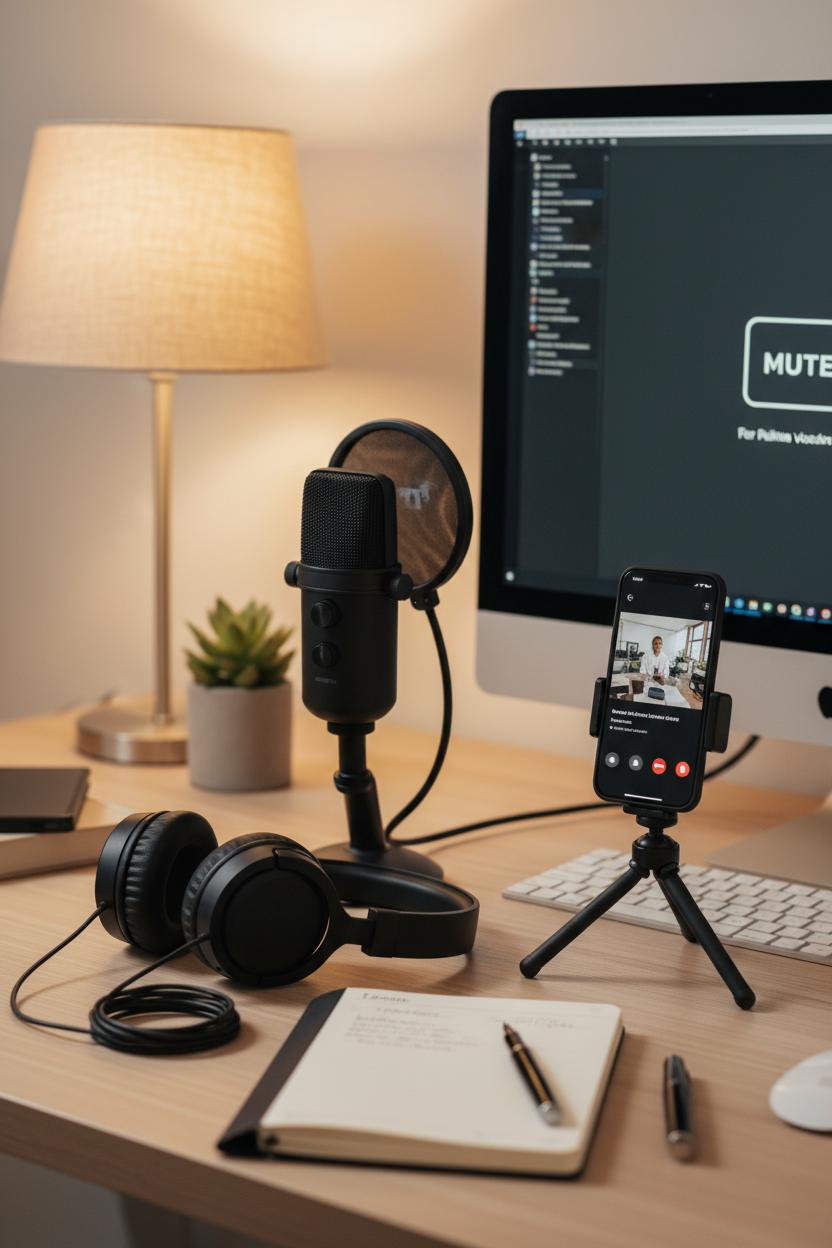
If your goal is effortless voice call proof that feels polished but still personal, your gear can do a lot of heavy lifting for you. Start with a reliable USB microphone so your voice lands crisp and warm, like you’re sitting across a cozy coffee table rather than a screen. Pair it with a noise cancelling headset to keep your focus locked and background clatter out of the conversation—no fan hums, no hallway chatter, just you and your client. Then add a simple smartphone tripod to steady your phone for behind-the-scenes clips or a quick vertical shot of you nodding and taking notes. Those tiny, tidy visuals pair beautifully with a client testimonial later, and the audio will make your highlights feel clean and trustworthy—perfect for agency social proof and freelancer marketing in your feed.
Set your USB mic about a hand’s span from your mouth, angled slightly off-center to soften plosives, and keep your headset volume low enough to prevent echo. Pop your phone onto the smartphone tripod at eye level with a soft lamp or window light off to the side; clear the desk to a minimal, intentional vignette—planner, pen, maybe a plant—so the frame feels calm and on-brand. The vibe is friendly but focused, like a mini studio tucked into your workday. Keep the mute button handy for quick sips, and do a ten‑second test clip before the call so you’re not troubleshooting when the client joins.
For capturing the moments you’ll actually use, lean on a simple call recording app or screen recorder software, and get consent at the top of the call—always part of best-practice call recording tips. Name files with the date and client so they’re easy to find, and drop timestamps when a great quote pops up. After the call, trim a 20–40 second snippet where the client names the result in their own words, then pair that with your tripod shot for a quick reel or slide in your proposal. That one-two combo—clean audio and a clear client testimonial—turns everyday conversations into proof you can share gracefully, and it quietly compounds as agency social proof that wins the next yes without you saying a word.
Software Stack: Pick the Right Call Recording App and Screen Recorder Software

Your software stack is the secret sauce that turns a great conversation into on-demand voice call proof you can share, repurpose, and proudly pin to your portfolio. Start with clean audio: even a simple USB microphone instantly makes you sound more confident and clear, and a noise cancelling headset is gold when you’re taking calls from a busy home or coworking space. If you ever capture a quick reaction video or a walk-through after the call, a smartphone tripod keeps your framing steady and professional with zero fuss. This simple gear layer elevates everything that follows—because crisp sound and stable visuals make your client testimonial feel trustworthy and polished, not improvised.
Next, pick a call recording app that makes compliance easy and your workflow effortless. Look for options that prompt you to get consent, record separate audio tracks (yours and theirs), and auto-backup to the cloud so nothing gets lost. Helpful call recording tips: rename files immediately with a clear format (Client_Project_Date), jot quick markers during the call to flag wins and quotes, and record five extra seconds of silence at the start to capture room tone for smoother edits. Use Do Not Disturb to block pings, and keep sensitive tabs closed. If you work internationally, check local consent rules before recording. A reliable setup here means you’ll have clean, timestamped evidence of outcomes that can be edited into short, snackable clips—powerful assets for agency social proof and freelancer marketing.
Round it out with screen recorder software that captures system audio, your mic, and an optional webcam bubble so viewers can see your reactions during milestones. Prioritize tools with cursor highlights, blur tools for sensitive data, auto-captions, and quick trimming so you can turn raw sessions into polished mini case studies in minutes. Export MP4 for sharing and WAV for archival audio, then save everything in a consistent folder structure. With this stack, one call can become a compelling client testimonial, a reel-ready highlight, and persuasive voice call proof across your website and socials—clear, human, and confidence-boosting for the next dream client who finds you.
Pre-Call Prep Checklist: Set the Stage for a Strong Client Testimonial
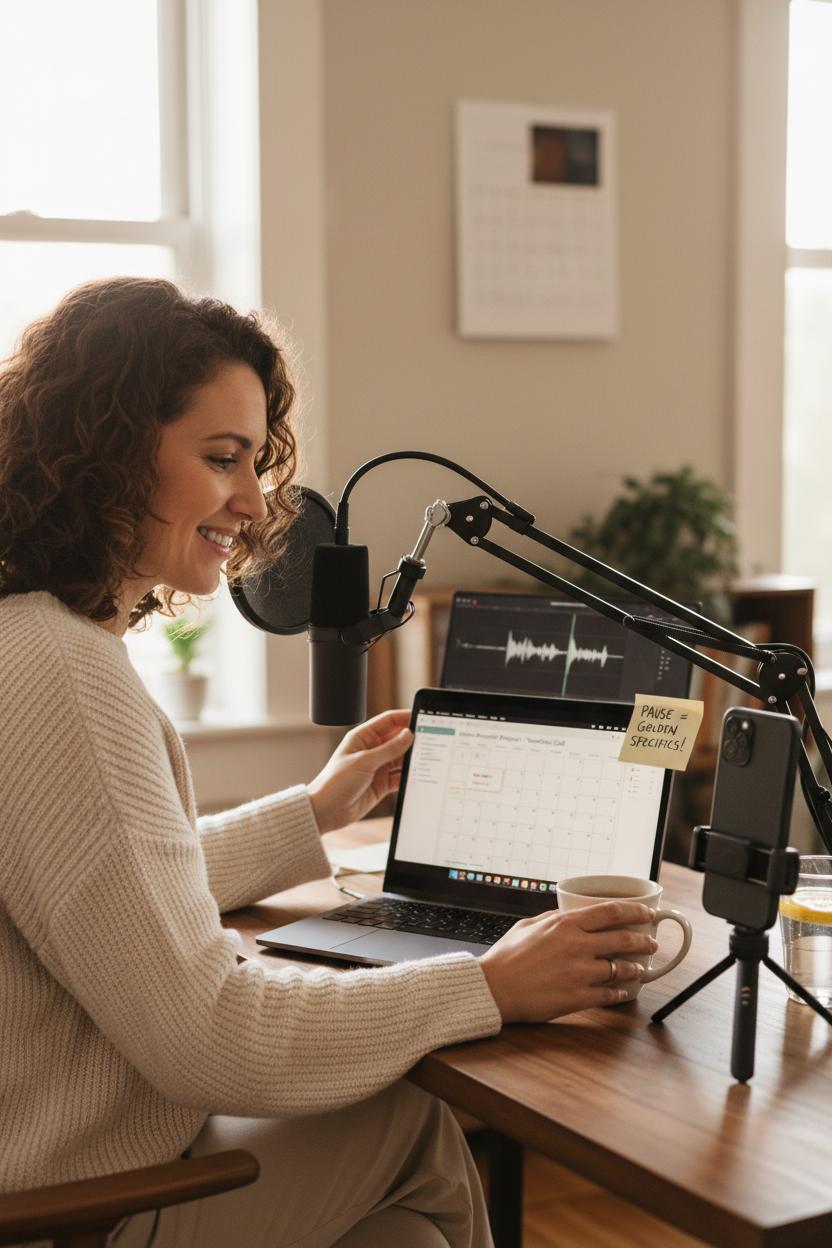
Before you hit dial, give yourself a cozy-but-pro-level runway. Start by setting an intention: you’re not just chatting, you’re gathering voice call proof that captures a real transformation and turns into magnetic agency social proof. Email the client a gentle, upbeat outline 24 hours ahead—three prompts are enough: a quick “before,” the turning point, and the “after” with a specific win. Ask for permission to record in writing, confirm the time limit, and add a little reassurance that this isn’t a test; it’s a celebration of what you built together. Then curate the scene: pick a quiet, bright spot, put your phone on Do Not Disturb, and keep water nearby for smooth, warm vocals. Even in freelancer marketing, the tiny details make your client feel taken care of—and their story flows.
Next, prep your tech like you would a mini studio. If you’re at your desk, plug in a USB microphone and do a 30‑second test clip; if you’re on the go, a noise cancelling headset can work wonders for crisp, echo-free sound. Open your call recording app and set a backup using screen recorder software if you’re on a video platform—redundancy is your best friend. Clear device storage, check battery levels, and label the session with the client’s name and date to save editing time later. If you plan to repurpose snippets, frame your phone at eye level on a smartphone tripod so the video looks intentional, not accidental. These simple call recording tips remove tech jitters, and when you’re calm, your client relaxes too.
Finally, prep your conversation cues like a director. Jot down two numbers you might ask them to quantify—time saved, revenue gained, leads booked—and a gentle nudge to capture a quotable line in their own words. Keep a sticky note that reminds you to pause; silences invite golden specifics, which is exactly what turns a nice client testimonial into a vivid, shareable mini-story. Close by previewing next steps: you’ll send a short edit for approval, highlight their hero moments, and tag them when it goes live. With this warm, thoughtful prep, one call becomes a beautiful, reusable asset across your freelancer marketing, from reels to case studies—proof that feels as good as it sounds.
The Client Win Template: Script to Capture Voice Call Proof in Minutes
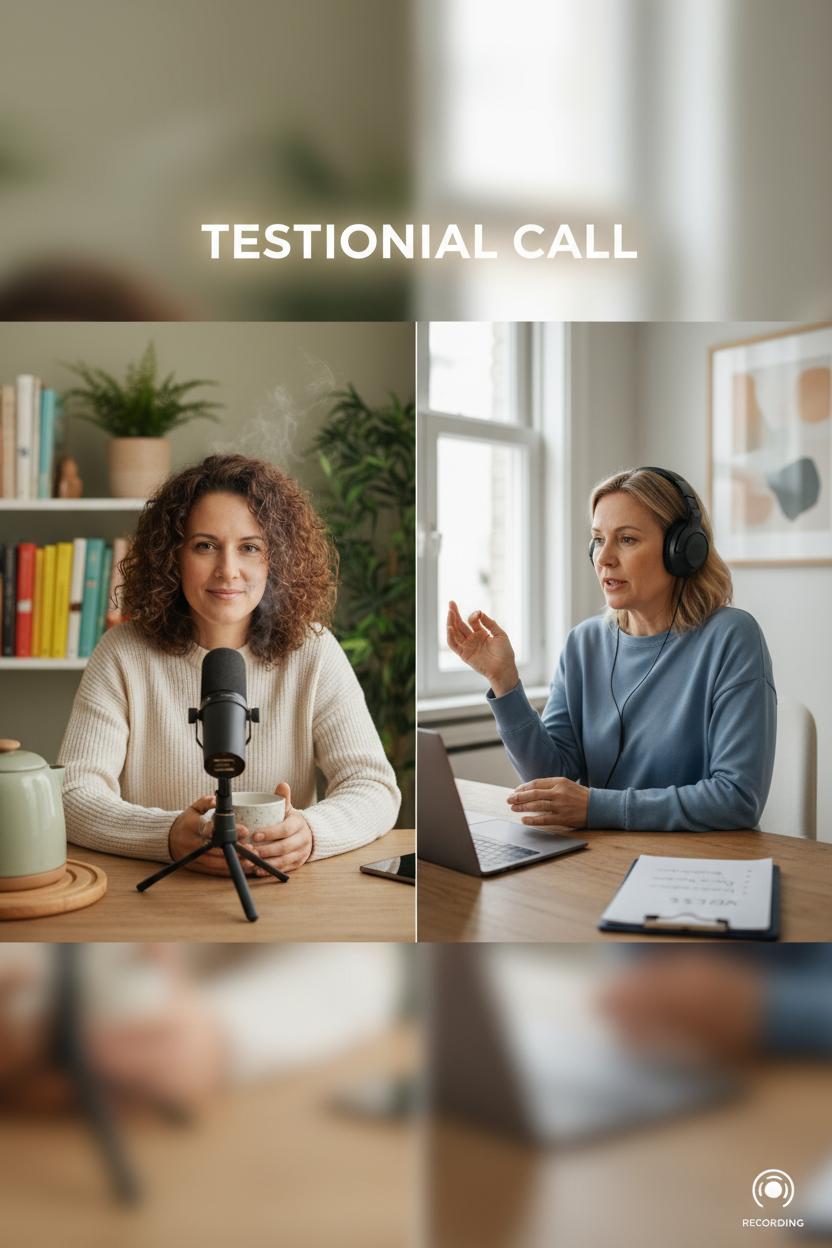
Think of this as your cozy, done-for-you script you can read right from your notes while the kettle is still warm. Start with consent and comfort: “Hey! Before we dive in, I’m recording this so I can capture your story accurately—sound good?” Then set the table in one breath: “Two lines on you, one line on the challenge, one line on what we did together.” Invite them to fill in the blanks. “Could you share who you are and what your business does? What was happening right before we started working together?” This quick framing keeps the energy upbeat and turns a regular chat into voice call proof you can use as a polished client testimonial later.
Next, guide them through the story arc with soft prompts. “What felt hardest about that moment?” “What made you choose me/us?” “What changed within the first week?” “Where are your numbers or feelings now?” If they’re not metrics people, let them describe momentum: “We finally launched,” “The inbox calmed down,” “Sales felt steady again.” Close with a quotable gem: “If a friend asked whether to hire me/us, what would you say in one sentence?” Then secure permission: “Can I share this snippet as a testimonial on my site and socials?” For agency social proof, add, “Okay to tag your brand?” For solo creators, this is freelancer marketing gold—short, real, and reusable across reels, emails, and proposals.
A few call recording tips to make the audio feel like a warm living room chat: plug in a USB microphone if you have one, or use a noise cancelling headset to soften background hum. Choose a quiet corner; if you’re on mobile, a simple call recording app plus a smartphone tripod can stabilize your setup if you switch to video later. On desktop, pair your meeting tool with screen recorder software to capture clean audio tracks. Always test levels, ask them to speak a little slower than usual, and smile while you talk—it truly comes through in your voice. Keep the whole thing under ten minutes, then trim to a 30–60 second highlight and a longer two-minute cut. With this gentle script, you’ll gather proof in minutes that feels like a conversation, not a production.
Live Call Flow: Step-by-Step Call Recording Tips from Hello to Handoff
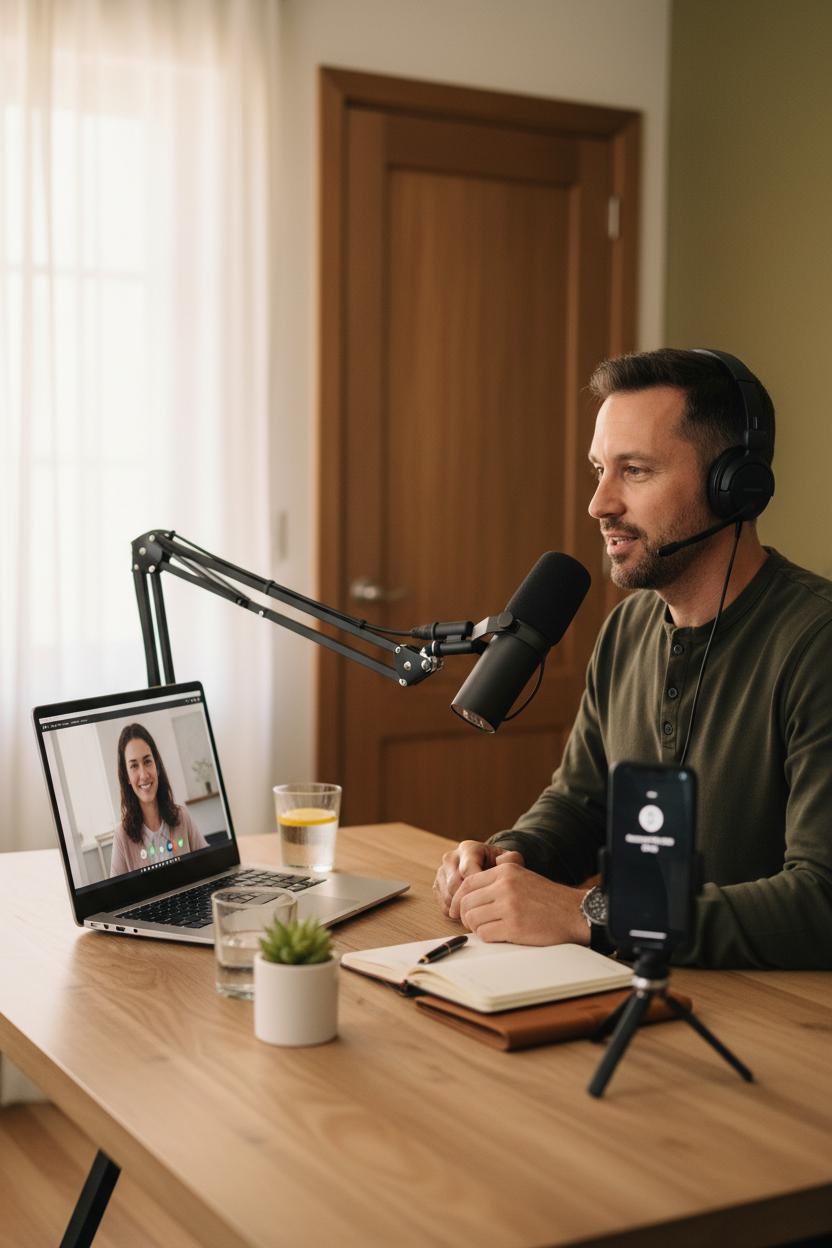
Before you even say hello, set the stage for a clean, confident recording. Find a quiet corner, soften the space with a closed door and a cup of water nearby, and do a quick tech check. If you’re on desktop, plug in a USB microphone and slip on a noise cancelling headset to keep your voice crisp and background clatter out. On mobile, open your call recording app and test a five-second clip so you can catch issues before the client joins. Doing a live walkthrough? Open your screen recorder software to capture visuals and cursor movements; if you need video on phone, a simple smartphone tripod keeps your frame steady and hands free. When the client arrives, warmly greet them and ask for consent on the record: “Is it okay if I record so I don’t miss details and can share voice call proof with our internal team?” A quick yes is your green light.
In the opening minutes, outline the agenda and invite the “before” picture in their own words. Ask for the problem, the stakes, and what success would look like. These are the gold threads you’ll weave into a future client testimonial. Keep your pace calm and cozy, and let silence do some of the lifting—people fill quiet with useful specifics. Drop quick verbal markers like “Let me timestamp that win” when you hear a quotable. If a metric or transformation appears, reflect it back: “So leads doubled after the landing page refresh, correct?” This builds clarity and makes later editing faster. Small, friendly nudges keep the story human without sounding scripted—perfect for freelancer marketing where authenticity converts.
As you move to solutions and handoff, summarize the highlights in one breathable paragraph the client can nod to: problem, plan, timeline, next step. Ask permission to reuse a soundbite: “Could I pull that sentence as a line for agency social proof?” Then capture a clean closing quote: “Working with you has been the easiest part of our launch.” Stop the recording, label it with client name-date-topic, and stash it in a shared folder. If relevant, trim a 20–30 second clip for a quick win reel; keep the full file for detailed notes. These simple call recording tips turn a regular conversation into reusable voice call proof—small moments that scale your story long after you hang up.
Post-Production: Edit and Polish Your Audio/Video Proof for Clarity
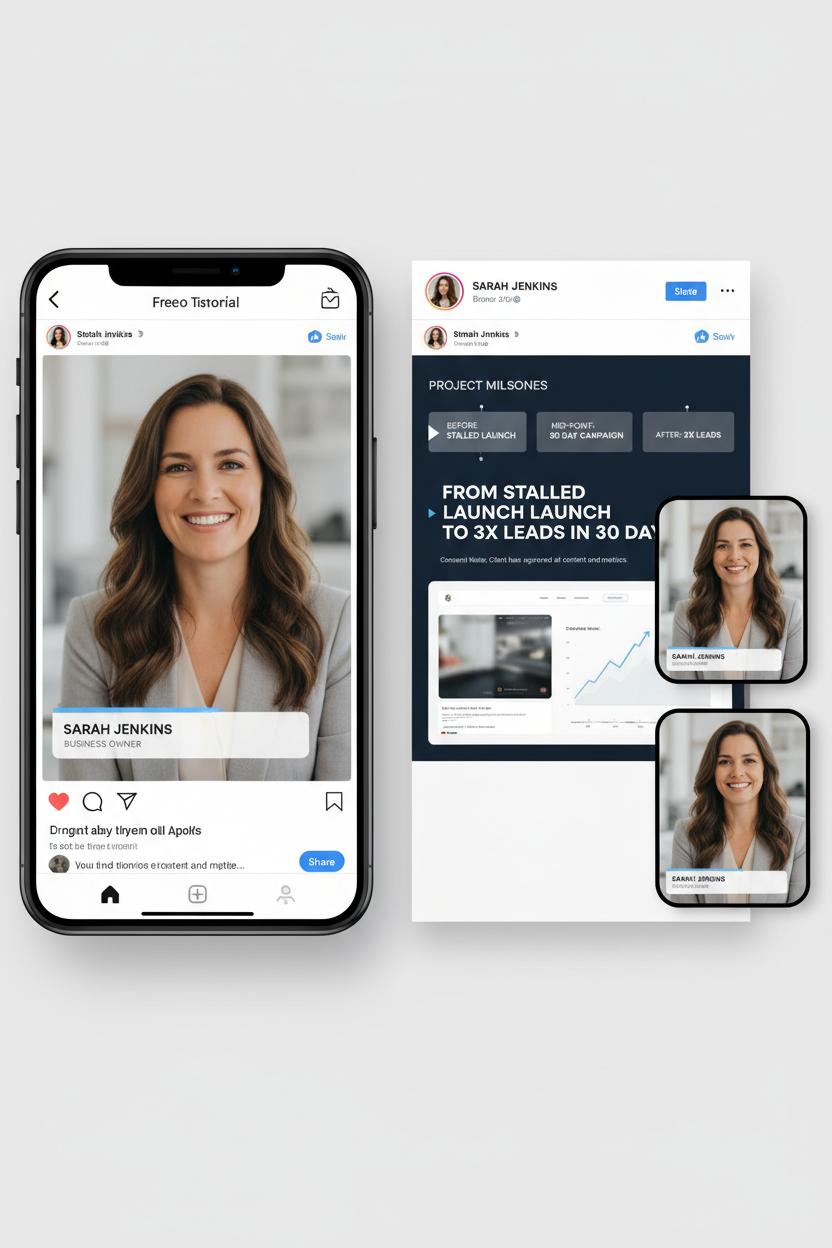
Think of post-production as the cozy glow-up your voice call proof deserves. Start by pulling your raw file into your editor and trimming the chatter at the top and tail so the story opens right on the first meaningful moment. Sweep out background hiss with gentle noise reduction, smooth harsh consonants with light de-essing, and level the peaks so your listener isn’t riding the volume button. Snip out long pauses and filler words, but keep the human warmth—this is a real client testimonial, not a robot monologue. If your capture sounds thin, record a friendly, 10–15 second intro on a USB microphone, or re-cut your questions with a noise cancelling headset for a cleaner guide track. Many call recording tips focus on capture, but a little EQ and a soft high-pass filter in post can make an everyday call recording app sound studio-adjacent.
For video, layer in context like you’re styling a mood board. Use screen recorder software to overlay quick before-and-after metrics, project snapshots, or a timeline that matches what the client is saying. A smartphone tripod makes it easy to film a crisp intro or outro where you frame the story and invite viewers to reach out. Add lower-thirds with names and roles (double-check permissions), and lightly color-correct so skin tones look natural. Subtle background music at a whisper-low level can keep the energy up—just choose royalty-free and duck the volume under key quotes so the words lead.
Finally, shape the narrative to serve your freelancer marketing goals or agency social proof. Pull the strongest 20–40 seconds into a teaser for socials, and caption everything for silent scrollers. Blur or bleep anything sensitive, and add a one-line consent note at the end. On the thumbnail, pair a clean still with a simple promise—“From stalled launch to 3x leads in 30 days”—and keep the design uncluttered. Export a portrait cut for Reels, a square for the grid, and a landscape version for your site’s portfolio. With a tidy polish, your proof becomes story-driven, skimmable, and share-ready—the kind that turns a warm glance into a booked call.
Compliance and Security: Store and Share Call Files Safely

Before you hit send on that shiny voice call proof, pause and build a little safety nest around it. Start with consent: confirm in writing that your client is comfortable with recording and potential snippets being shared as a client testimonial. A quick pre-call email and an on-record intro line (“This call is recorded; is that okay?”) go a long way, especially if you operate in places with two‑party consent rules. Keep a lightweight consent log in the same folder as your files so you never scramble later. If you’re an agency collecting agency social proof or doing solo freelancer marketing, consistency is your best friend—same consent script, same file naming, same storage routine every time.
Next, treat storage like a curated closet: beautiful, labeled, and locked. Save raw audio and video to a cloud drive that offers encryption at rest and in transit, then share via expiring, password‑protected links instead of attachments. Limit access to only the humans who truly need it and capture a quick note of who you shared it with and why. Before sharing publicly, trim to the relevant moment and review for sensitive details—blur screens with screen recorder software, bleep numbers, and remove meeting links or emails from transcripts. Keep a “public” version and a “master” version so you can safely showcase wins while preserving the high‑quality original for internal training. And set a retention timeline; not every file needs to live forever.
Quality matters for both security and clarity, so bake in a few call recording tips: a USB microphone or noise cancelling headset keeps voices crisp (less misheard PII), a reliable call recording app prevents corrupted files, and a smartphone tripod can steady video if you capture on mobile. If you demo during calls, a screen recorder software with annotation tools helps you quickly redact later. Use a human‑readable naming convention—Client_Project_Date_Topic—and tag files as “consented,” “internal,” or “public.” When you do share a clip as a client testimonial, pair it with a short caption that sets context and a link to next steps. The result is proof that’s not just persuasive, but thoughtfully protected—professional, trustworthy, and ready to support your next pitch.
Troubleshooting: Fix Background Noise, Echo, and Glitches Fast
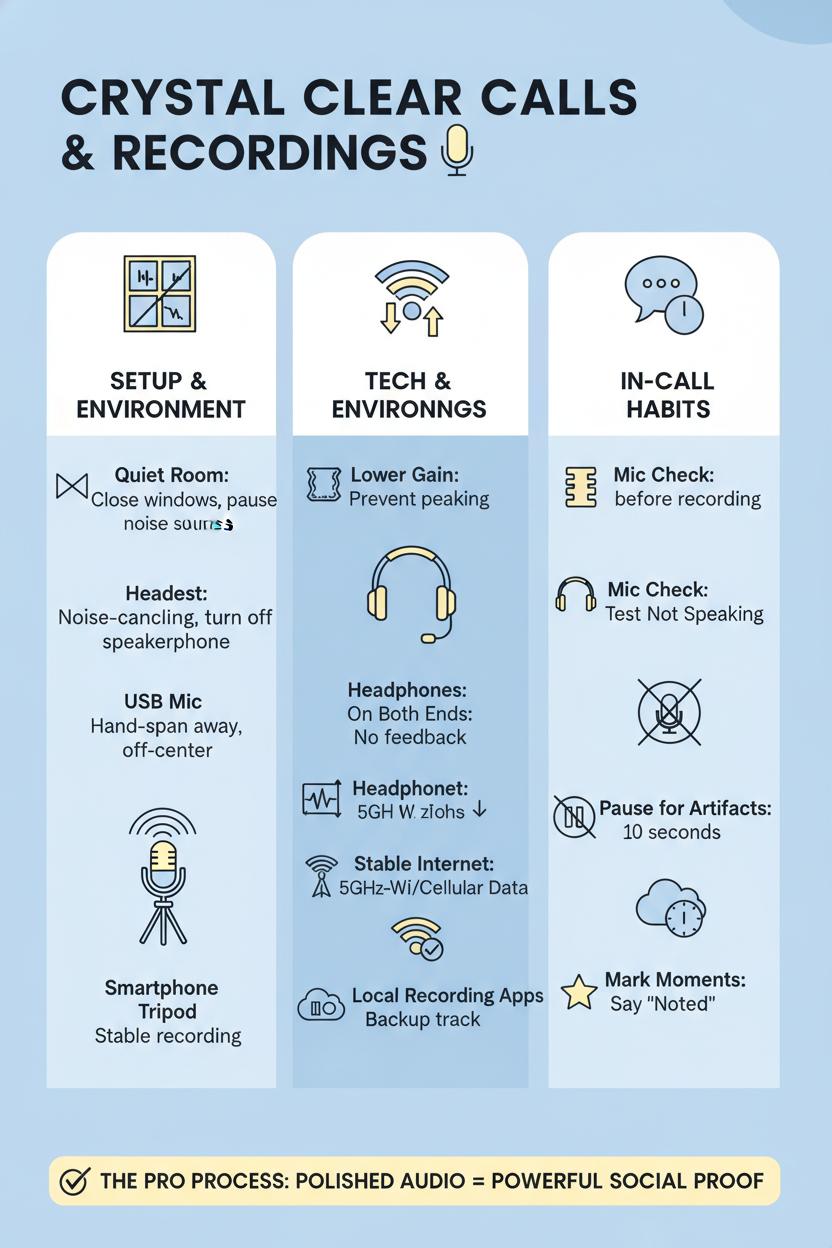
When the background hum creeps in or your voice starts echoing like you’re calling from a cavern, don’t panic—breathe, reset, and simplify. Start by quieting the room: shut windows, pause the dishwasher, move away from AC vents, and pop a soft throw or rug nearby to tame reverb. Switch off speakerphone and put on a noise cancelling headset so your mic isn’t catching the other person’s audio. If you can, plug in a steady USB microphone and keep it about a hand-span from your mouth, slightly off-center to soften plosives. A quick mic check before you hit record—say a few lines at your natural volume and listen back—saves you so much cleanup later. For mobile calls, a small smartphone tripod keeps your camera and hand movements from rustling against the mic and creating accidental scrapes.
Echo and glitches usually trace back to gain, rooms, or internet. Lower your input gain a touch if your waveform is peaking; most tools also let you disable aggressive auto-adjust settings that pump the volume and invite room noise in. Headphones on both ends tame feedback loops instantly; ask your client to pop theirs in too, framing it as part of your pro process. If your Wi‑Fi is wobbly, slide closer to the router, switch to 5 GHz, or hop to cellular data mid-call. Keep a lightweight call recording app running locally and a screen recorder software backup, so if the connection hiccups you still have a clean track for your voice call proof. Do a 20-second test call before the real thing and listen for HVAC rumbles or keyboard clatter—moving the mic, not your voice, is usually the fastest fix.
During the call, tiny habits make magic: mute when you’re not speaking, ask for a ten-second pause if artifacts appear, and mark important moments with a quick “noted” so they’re easy to find later. Those call recording tips not only smooth the edit; they elevate your final client testimonial, turning it into polished agency social proof you can repurpose across platforms. For freelancer marketing, this polish is the difference between “we had a good chat” and “here’s a crisp, convincing clip that proves results.” A calm setup, a couple of reliable tools, and a ready-to-reset mindset—noise handled, echo tamed, glitches gone.
Conclusion
That’s a wrap: with the Client Win Template, you can turn real conversations into voice call proof that shines. Combine short clips, a warm client testimonial, and clear call recording tips (always with consent) to build agency social proof—and momentum for freelancer marketing. Save this, brew something cozy, and batch your next three wins: label the files, pull one quote, write one line of context. Small, consistent shares = steady trust. You’ve got this.